
Create your first shipping rule
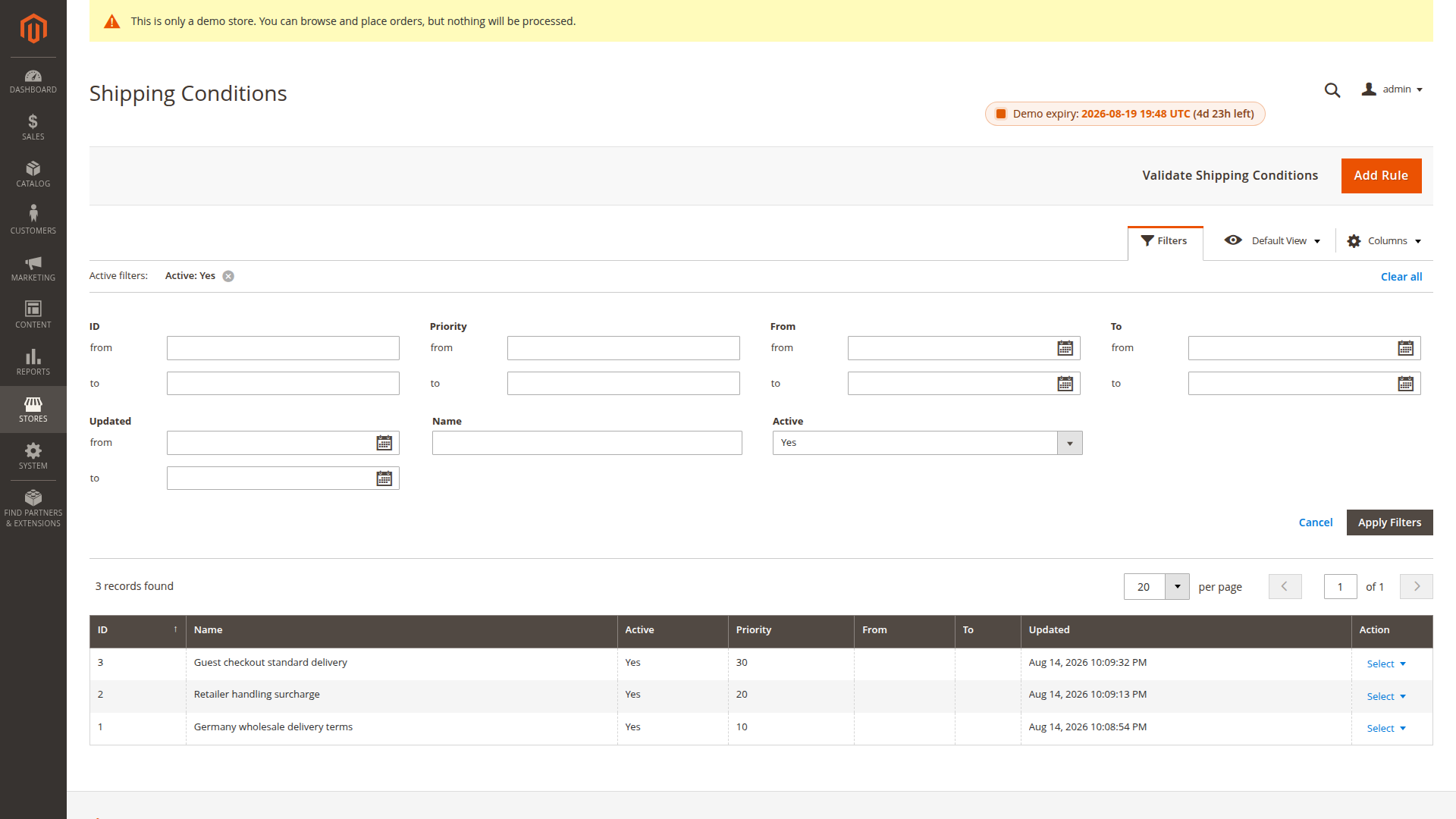
Open Stores > Shipping Conditions and select Add Rule. Keep the first test narrow so the result is easy to verify.
Example: rename Flat Rate for wholesale customers
- Enter a clear internal name such as
Wholesale flat-rate label. - Leave Active enabled.
- Select the intended store view and wholesale customer group.
- Set a unique priority. Lower numbers run first.
- Leave the date range empty unless the rule is temporary.
- Leave Conditions empty for this first scope-only rule.
- Add an exact target for carrier
flatrateand methodflatrate. - Add Rename Method Title with the customer-facing title.
- Save the rule and test checkout as a customer in that group.
Scope and conditions
Every rule needs at least one store view and customer group. Dates use the selected store's current date and include both endpoints.
Conditions use Magento's sales-rule builder. An empty condition tree matches every quote address in the selected scope. For a virtual quote, Magento uses the billing address; otherwise it uses the shipping address.
See Customer conditions for the additional customer fields.
Priority and stopping
Rules run in ascending priority. Give overlapping rules different priorities because equal values do not provide a reliable tie-breaker.
Stop Further Rules stops later rules for a shipping rate after the current rule has matched its conditions and target. It is evaluated separately for each rate. Use it when a later rule must not alter the same method.

Test before broadening
Check the rule with a matching and non-matching customer, address and cart. Then add more methods, groups or conditions. Run Validate Shipping Conditions from the rule grid before go-live.
