
Customer Documents
Customer Documents gives each buyer a controlled document library inside Magento. Administrators can upload a file or link to an approved external host, choose who may access it, set a validity period and track downloads.
Typical documents include contracts, certificates, safety data sheets, price agreements, invoices and product manuals.
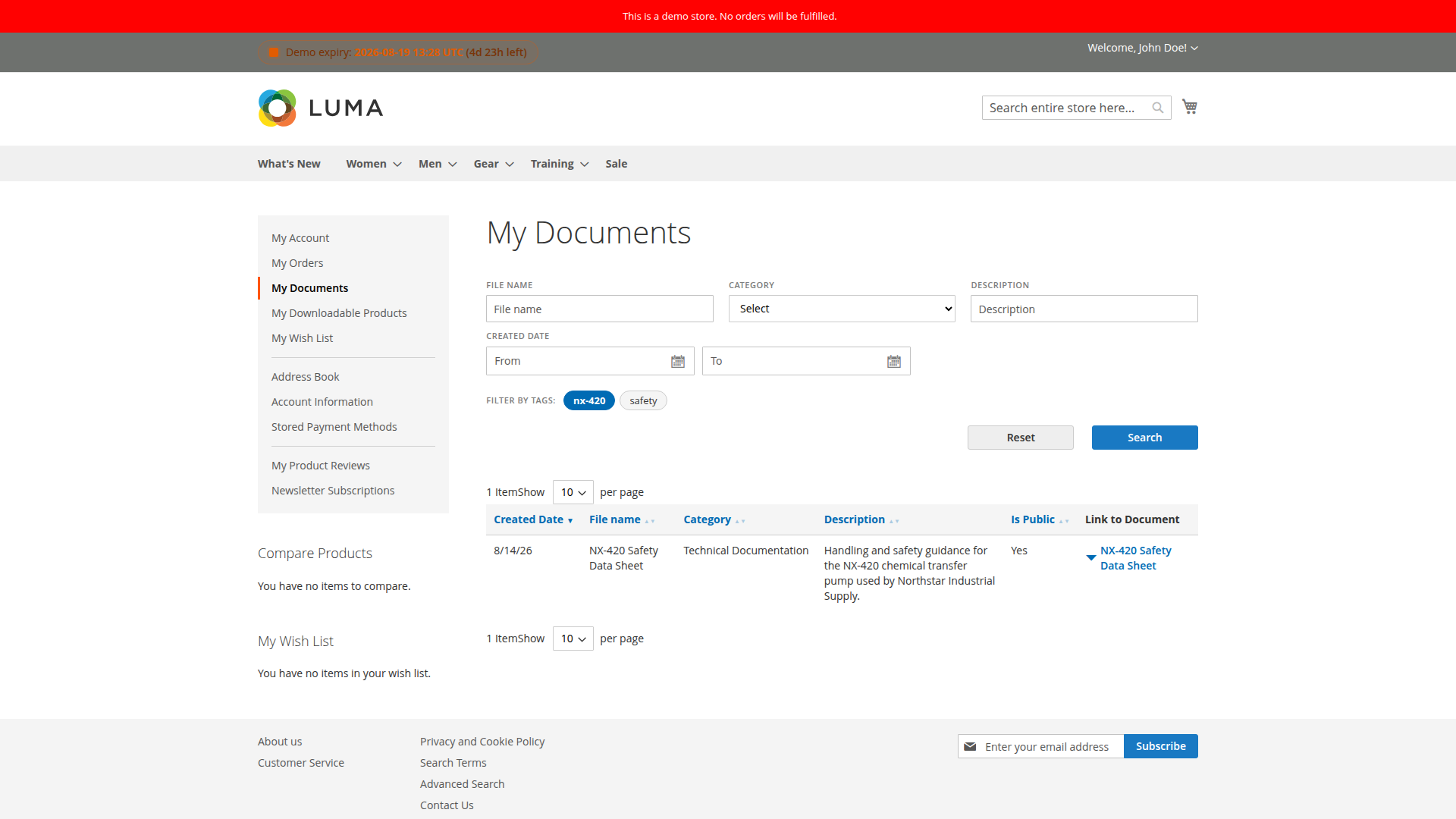
The customer account provides a searchable My Documents area. Buyers can narrow the list by file details, dates, categories or tags and then open an eligible document from the result row.
How access is decided
A document can be available through one or more of these paths:
- direct assignment to a customer
- assignment to a customer group
- public access
- assignment to products for storefront product or cart presentation
- linking to an order, invoice, shipment or credit memo
Website scope, validity dates, password protection and download limits are checked in addition to the assignment. Marking a document public does not bypass those checks.
Where documents appear
Customers > Customer Documentsin Magento Admin- My Documents in the customer account
- an optional customer-account sidebar block
- product pages for assigned product documents
- customer order, invoice, shipment and credit memo views for linked documents
- an optional ZIP download for eligible customer or cart documents
Start here
- Install Customer Documents.
- Configure storage, display and security.
- Review admin permissions.
- Create a document and assign its audience.
- Test the result as the intended customer in the correct website and store view.
Feature guides
- Access Control
- Downloads and Security
- Categories
- Tags
- Product Assignments
- Product Page Documents
- ZIP Downloads
- Email Notifications
- Automatic Entity Linking
- Background Jobs
For common questions and diagnosis, see the FAQ and Troubleshooting guides.
Optional packages
- REST API for administrator or integration-token management
- GraphQL for customer-facing document queries and download preparation
- CSV Import/Export for Magento Import/Export and command-line imports
- Hyvä Compatibility
- Sample Data for non-production evaluation
See the Add-ons overview for the package names and intended use of each optional component.