
Public Page and QR Code
Published passports can appear on the product page and on a standalone passport page. Draft, Active and Archived records are not shown through these public features.
Product page
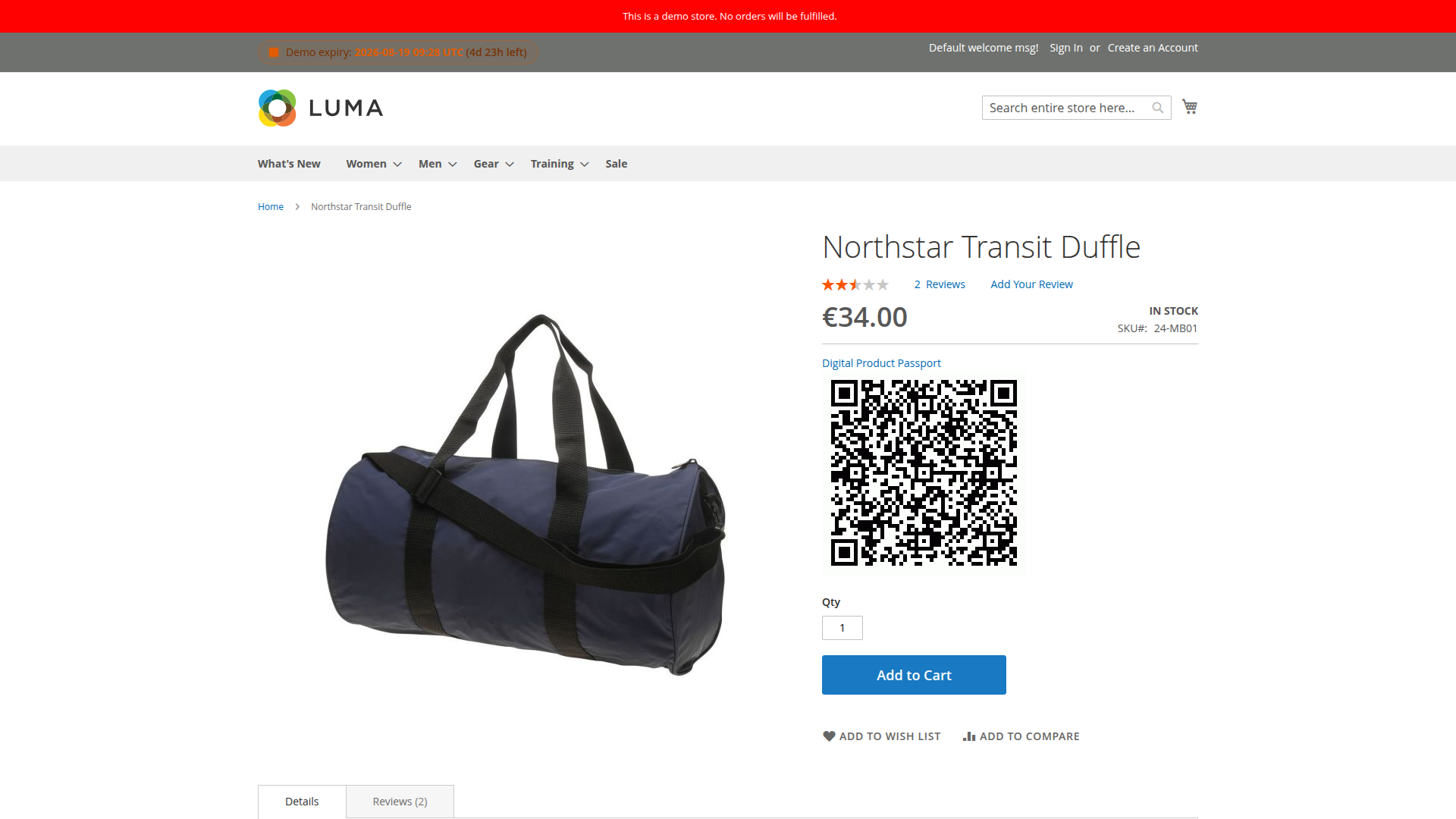
When the current store has a published passport for the product SKU, the product page shows a Digital Product Passport link and a QR image. The block is absent when no published record is found.
Standalone page
The standard route is:
/dpp/index/view/id/{passport_id}
The page displays available passport fields, completeness, a QR code and a materials table when the payload contains a materials array in the expected simple shape.
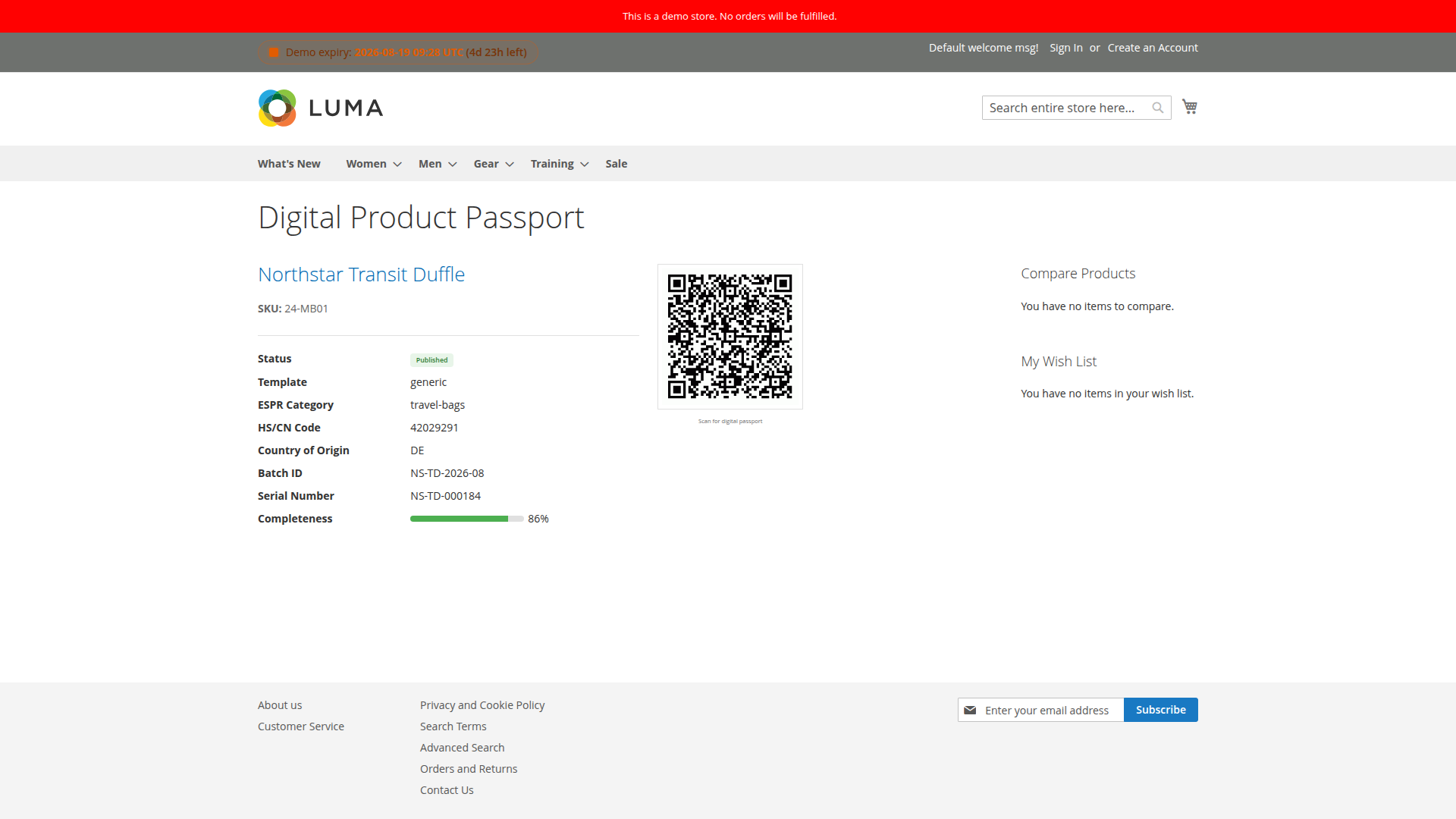
If the record is missing or not published, the HTML page renders a No passport found for this identifier message. The page controller itself still returns a normal HTML response, so monitoring should check the page content rather than relying only on its HTTP status.
JSON-LD from the same route
Send either of these Accept headers to the standard view route:
Accept: application/ld+json
Accept: application/json
Published records return JSON-LD. Missing or unpublished records return 404 with a small error object.
QR endpoint
/dpp/index/qr?id={passport_id}
A published record returns a PNG. Missing, invalid or unpublished IDs return an empty 404 response. The encoded target uses the passport's store URL. If GS1 generation is enabled and the product has a GTIN, it uses the GS1 path; otherwise it uses the standard passport page.
Cache behavior
Saving or deleting a passport invalidates the related product page cache identity. After publication, verify the storefront link, QR target and standalone page in the passport's own store view.