
Configure Flex Shipping
Start with one method and one broad rate. Once that method appears in checkout, add narrower regions, package limits and rules one at a time.
1. Enable the carrier
Go to Stores > Configuration > Sales > Delivery Methods > Flex Shipping and set:
- Enabled to Yes
- Carrier Title to the group label customers should see
- Sort Order to its position among other carriers
- Enable Audit Logging according to your support needs
- Audit Retention (Days) to the time audit records should remain available;
0keeps them indefinitely
Configuration can be scoped by website where Magento offers that scope.
2. Create a method
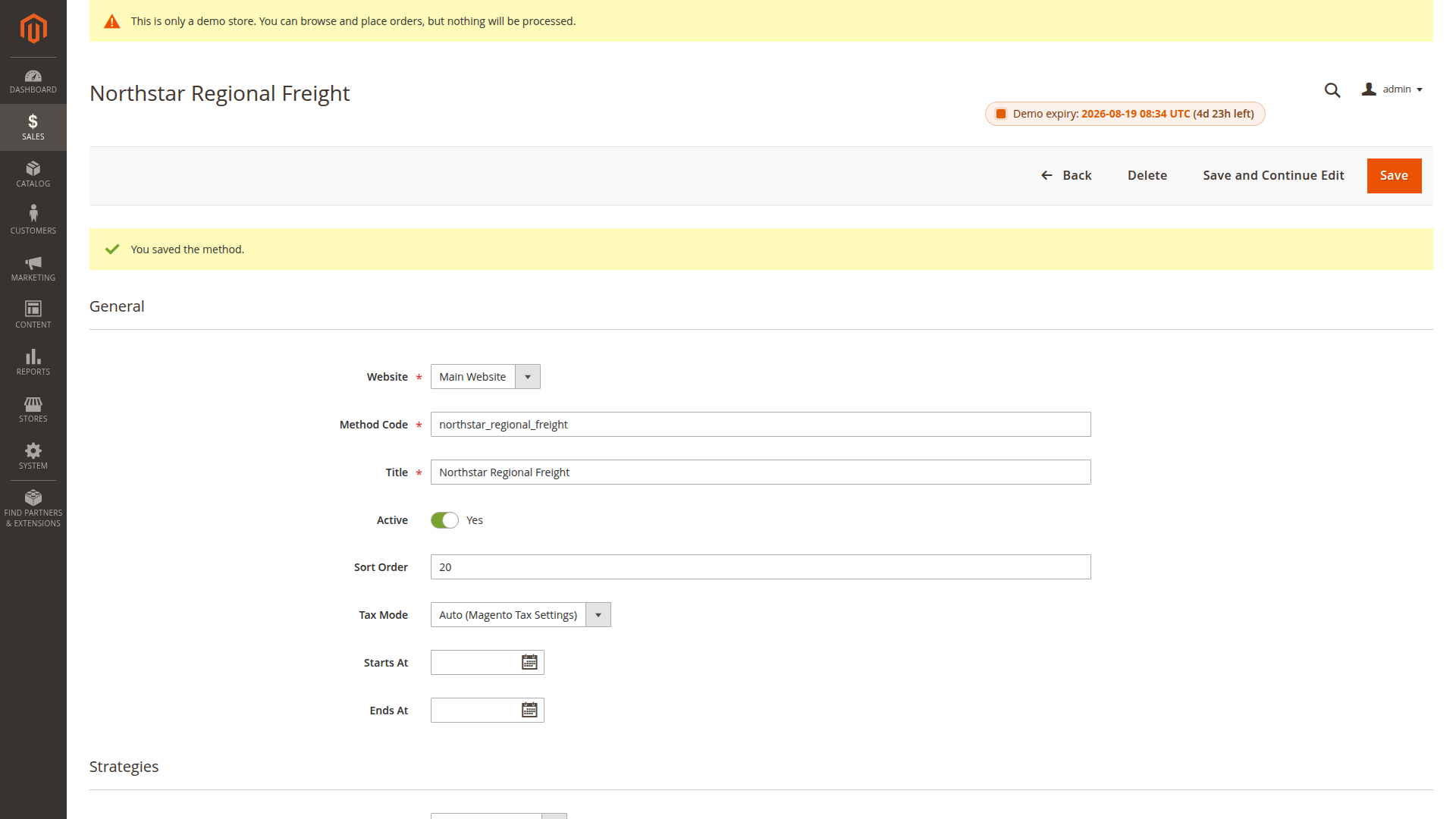
Go to Sales > Flex Shipping > Methods and select Add Method.
Use a stable Method Code, such as regional_freight. Set the storefront title, website, active state and optional start or end date. Then choose:
- the package split strategy
- package limits and their source
- the rate conflict strategy
- the Payload Depth — how much package detail is stored with the order
- product attribute mappings and missing-value behavior
3. Add a first rate
Open Sales > Flex Shipping > Rates and add a shipment-level rate for all countries. Give it generous weight and volume ranges, a fixed price and an active state.
Use Validate Methods on the Methods page, then test a cart. If the method appears, replace the broad rate with the real destination and package bands you need.
4. Add rules only when needed
A method without rules is eligible whenever its active settings and rate matrix match. Adding rules changes this: at least one active rule must match the quote address for the method to remain available.
Rules use Magento cart and address conditions. Keep the first rule simple, verify it with a real quote, and only then add nested conditions.
5. Test before release
Use Sales > Flex Shipping > Audit to simulate a saved quote. Check the returned amount, package summary and audit record before enabling the method on a live website.