
My Prices
My Prices gives a signed-in customer one account page for products that currently have an applicable custom price.
Enable it under Stores > Configuration > MageB2B > Pricesystem > Display settings.
What customers see
The table can show the product, SKU, quantity break, custom value and regular price. The exact rows depend on the installed price products and the current website and date.
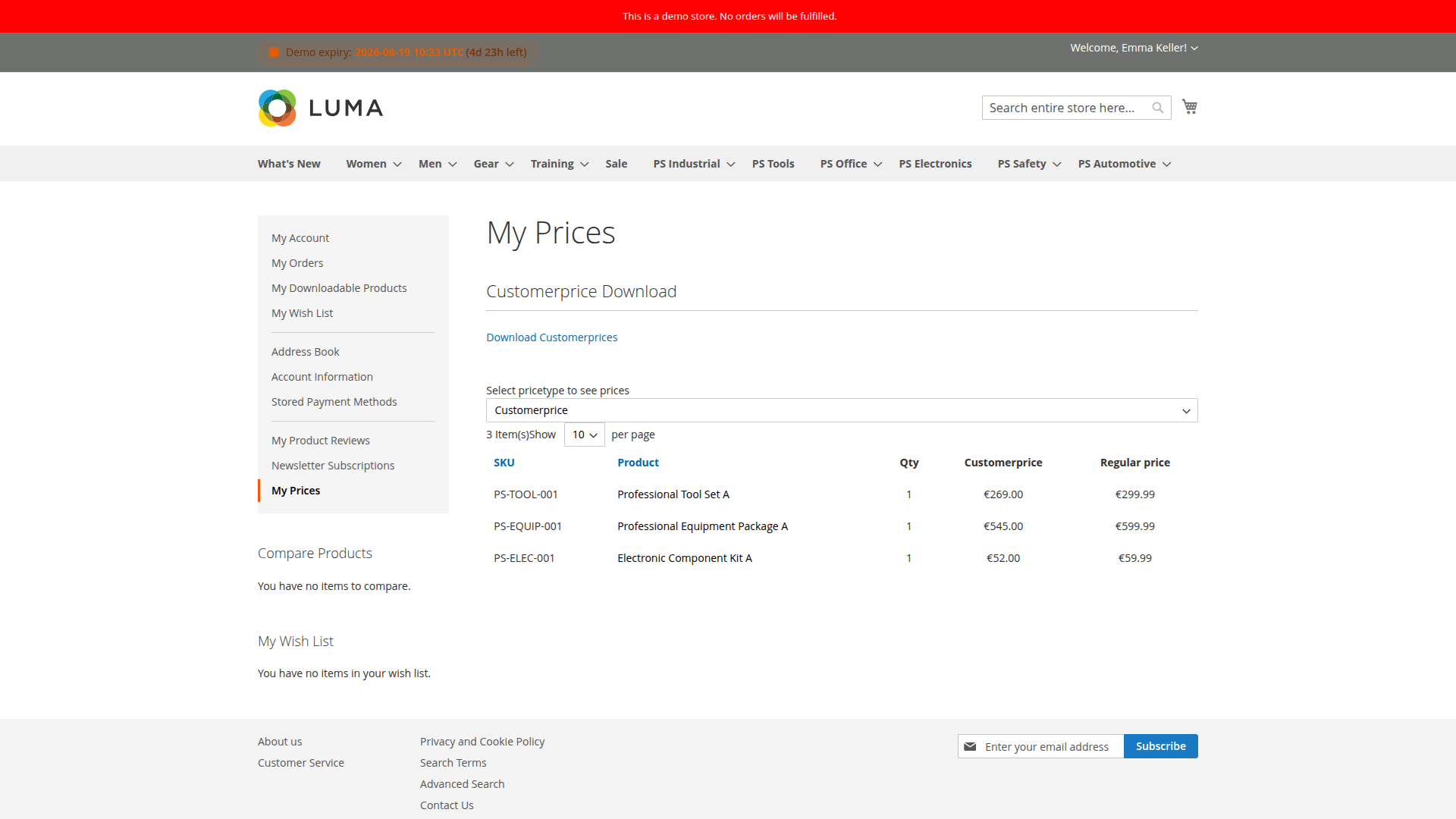
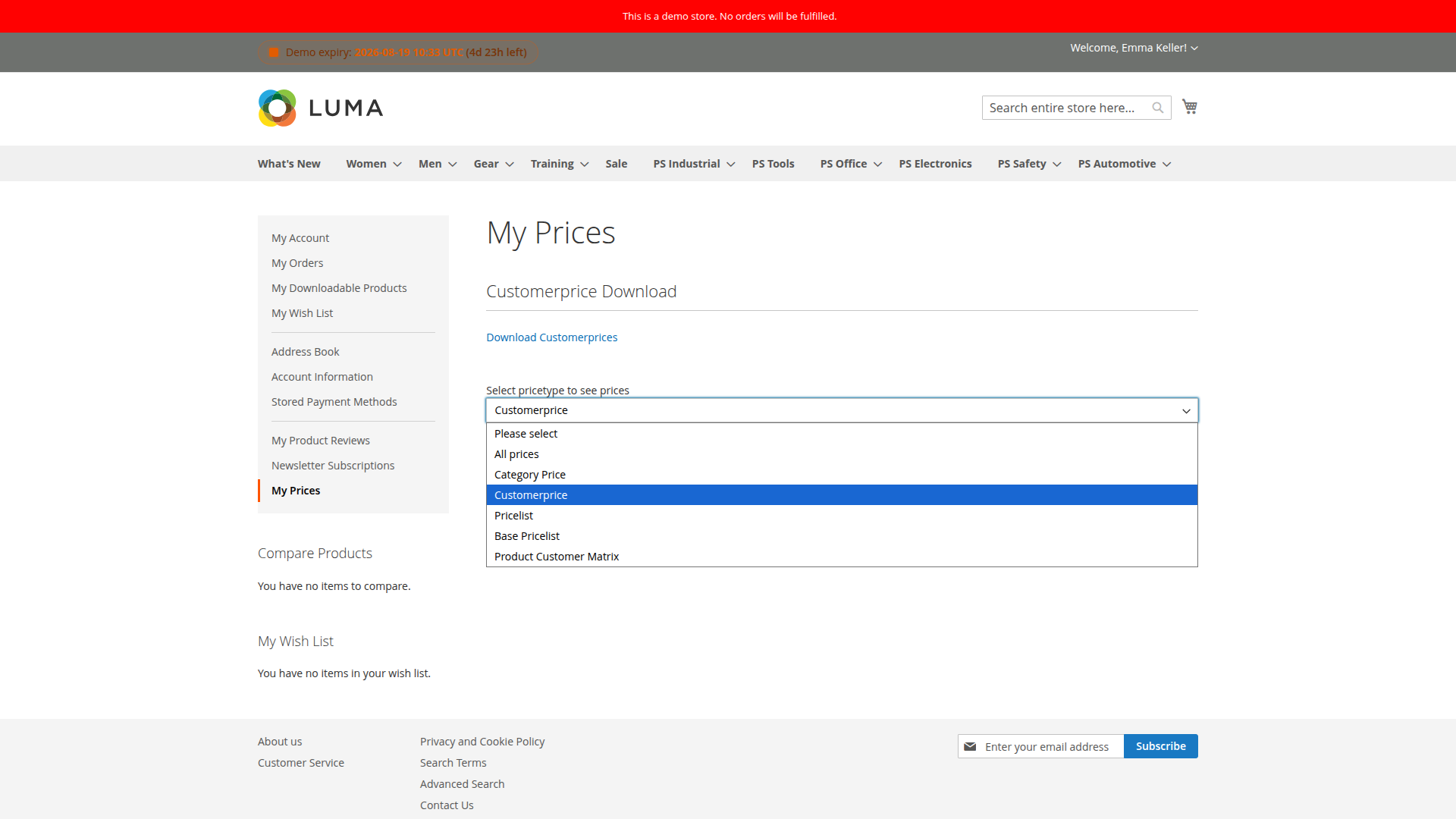
Use Price types shown in “My Prices” dropdown to limit the selector. Enable Show my prices only when customer has custom prices assigned if the navigation item should disappear for customers without relevant records.
CSV links
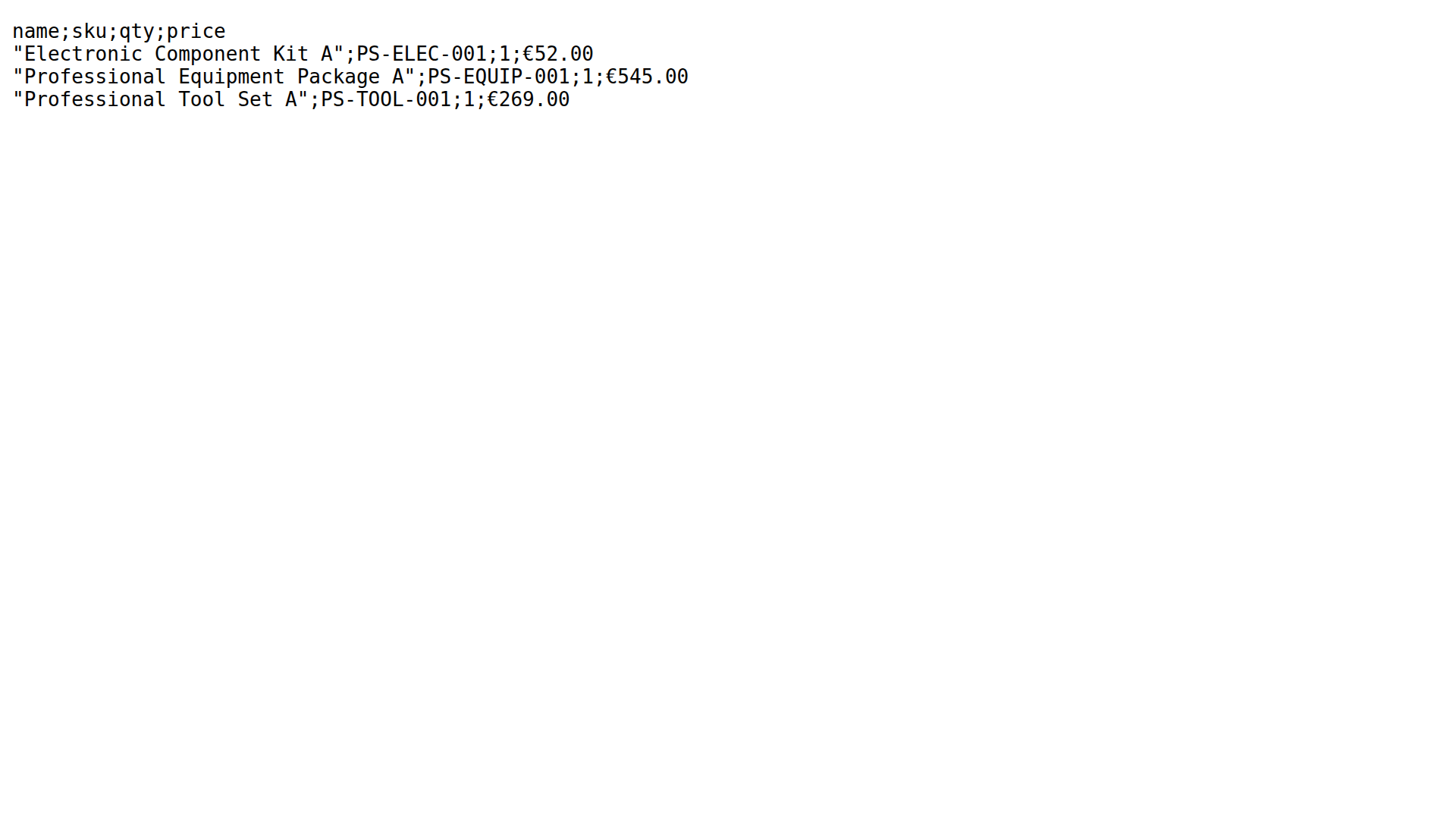
Customer Price, Price Lists, Category Price and Product-Customer Matrix can add their own CSV download links. Each product controls its download setting and delimiter separately.
A link is hidden when that product has no exportable row for the current customer, website and date.
If a product is missing
- Confirm the product is enabled and assigned to the current website.
- Check the customer or group assignment.
- Check quantity and validity dates.
- Confirm that the price type is allowed in the My Prices dropdown.
- Clean the Price System cache.