
Run the Price Adjustment consumer
Queued adjustments are processed by:
mageb2b.pricesystem.price_adjustment.consumer
Run it directly for a controlled one-job check:
php bin/magento queue:consumers:start \
  mageb2b.pricesystem.price_adjustment.consumer \
  --max-messages=1
For normal operation, add the consumer to the queue worker or process supervisor used by the shop. Do not rely on an administrator keeping a terminal open.
Job states
- Queued: published and waiting for the consumer.
- Processing: the consumer has started the job.
- Completed: the selected records were processed.
- Failed: the job stopped and its error must be reviewed.
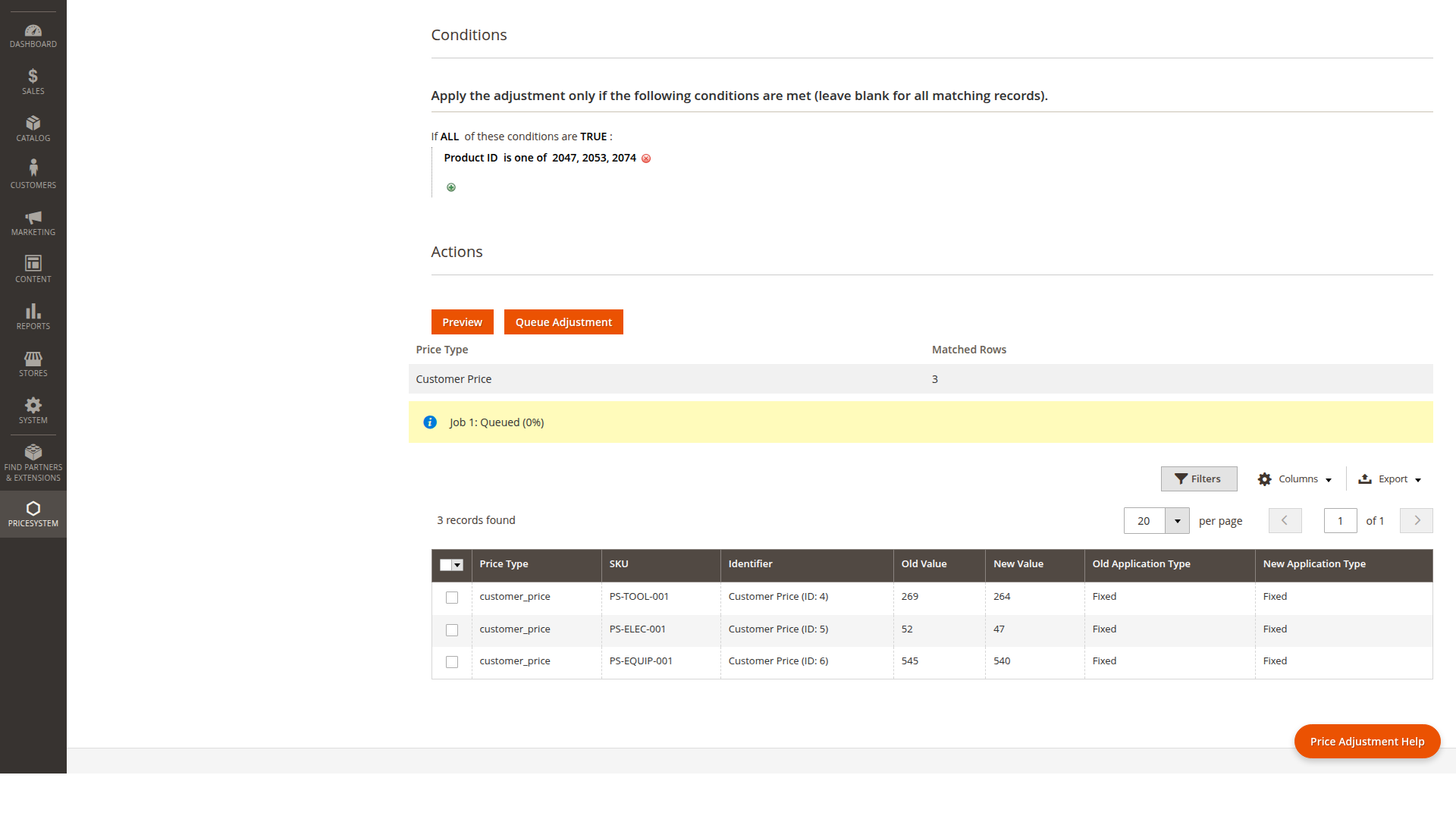
After completion, clean or warm the Price System cache according to the size of the change and verify a representative customer/SKU calculation.