
OCI Flow
OCI uses request parameters to open the Magento shopping session and an HTML form to post the finished cart back to the procurement system.
1. Receive the login request
The buyer calls /punchout/oci/login with GET or POST. The minimum integration values are:
- buyer identity through
buyer_idorUSER; - the OCI username and password expected by the buyer profile;
- return URL through
hook_urlorHOOK_URL.
Common context values such as FUNCTION, currency, language and SAP session identifiers can also be retained for mapping. The login controller parses supported request fields directly; an inbound mapping-template fixture is not executed during login.
The buyer profile defines whether it uses OCI 4 or OCI 5. The request version must match the profile. For product-specific functions, PRODUCTID is resolved through the profile's external product ID source: Magento SKU or a configured globally unique product attribute.
2. Authenticate and create context
Magento resolves the buyer and store, applies IP/signature checks, verifies protocol and optional transport credentials, validates the HTTPS return URL and creates an expiring token. The JSON response includes the token and correlation ID.
The integration then opens /punchout/session/activate?token=<token>. This binds the browser session and applies the profile's customer-resolution mode. The session can remain a guest, use a fixed Magento customer, resolve a customer from the request, or create a customer through JIT e-mail mapping.
3. Select the OCI operation
The profile's OCI version and product-ID source are authoritative. FUNCTION does
not switch the profile between OCI 4.0 and 5.0; it selects the supported storefront
operation within that profile:
| Request | Result | Cart/return behavior |
|---|---|---|
omitted or CREATE |
Normal catalog session | Isolated PunchOut quote; cart can be returned normally |
DETAIL + PRODUCTID |
Exact product page | Product-specific session; no normal cart-building return action |
DETAILADD + PRODUCTID on OCI 5.0 |
Exact product page, then one-item return after a successful add | The selected line is returned immediately; grouped products are rejected |
VALIDATE, BACKGROUND_SEARCH or SOURCING |
Explicit unsupported-function response | Never treated as a normal shopping session |
PRODUCTID is resolved as the configured Magento SKU or the selected globally
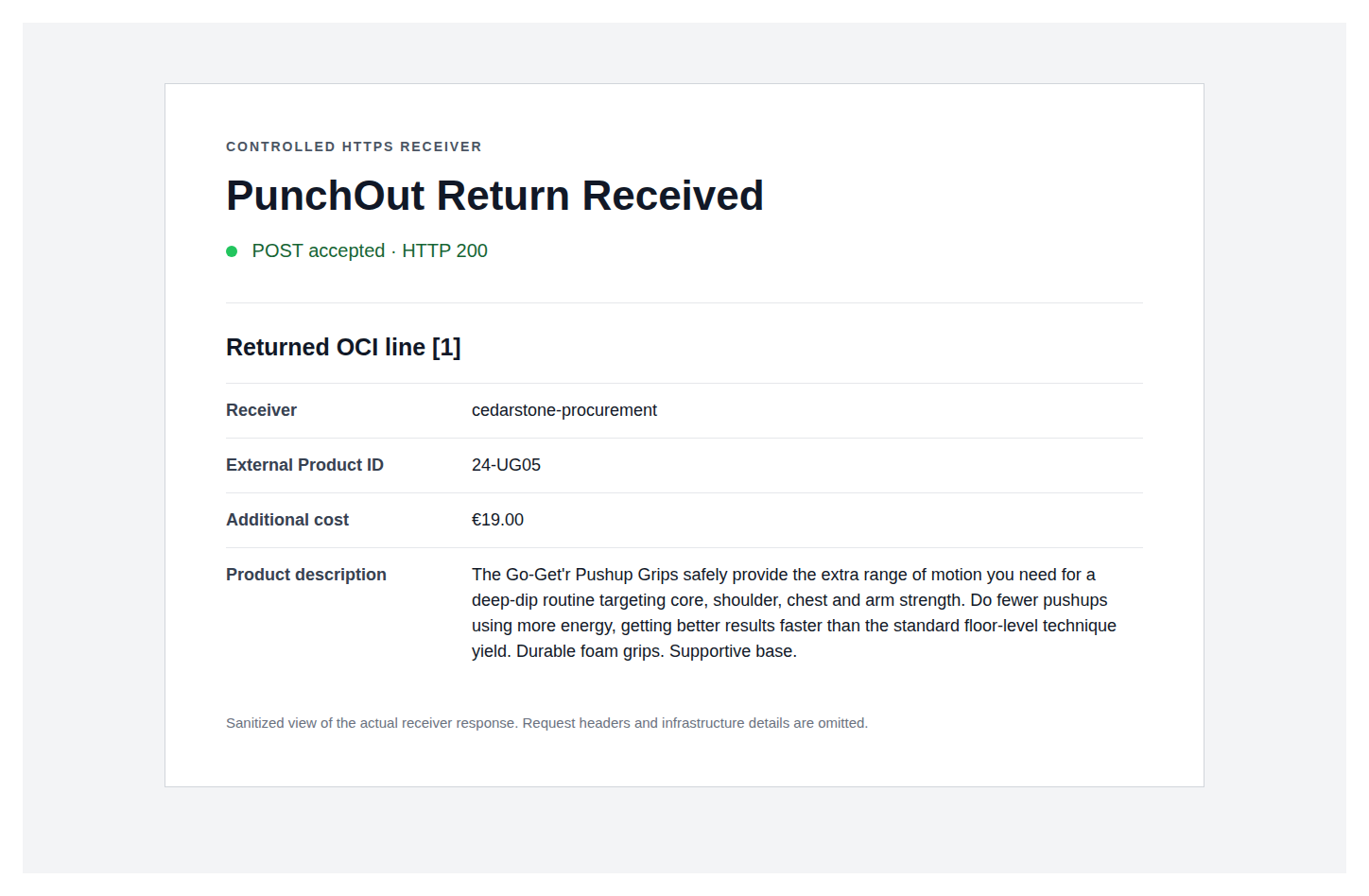
unique product attribute. NEW_ITEM-EXT_PRODUCT_ID is then emitted from that same
profile-owned identifier and remains protected from ordinary mapping overwrite.
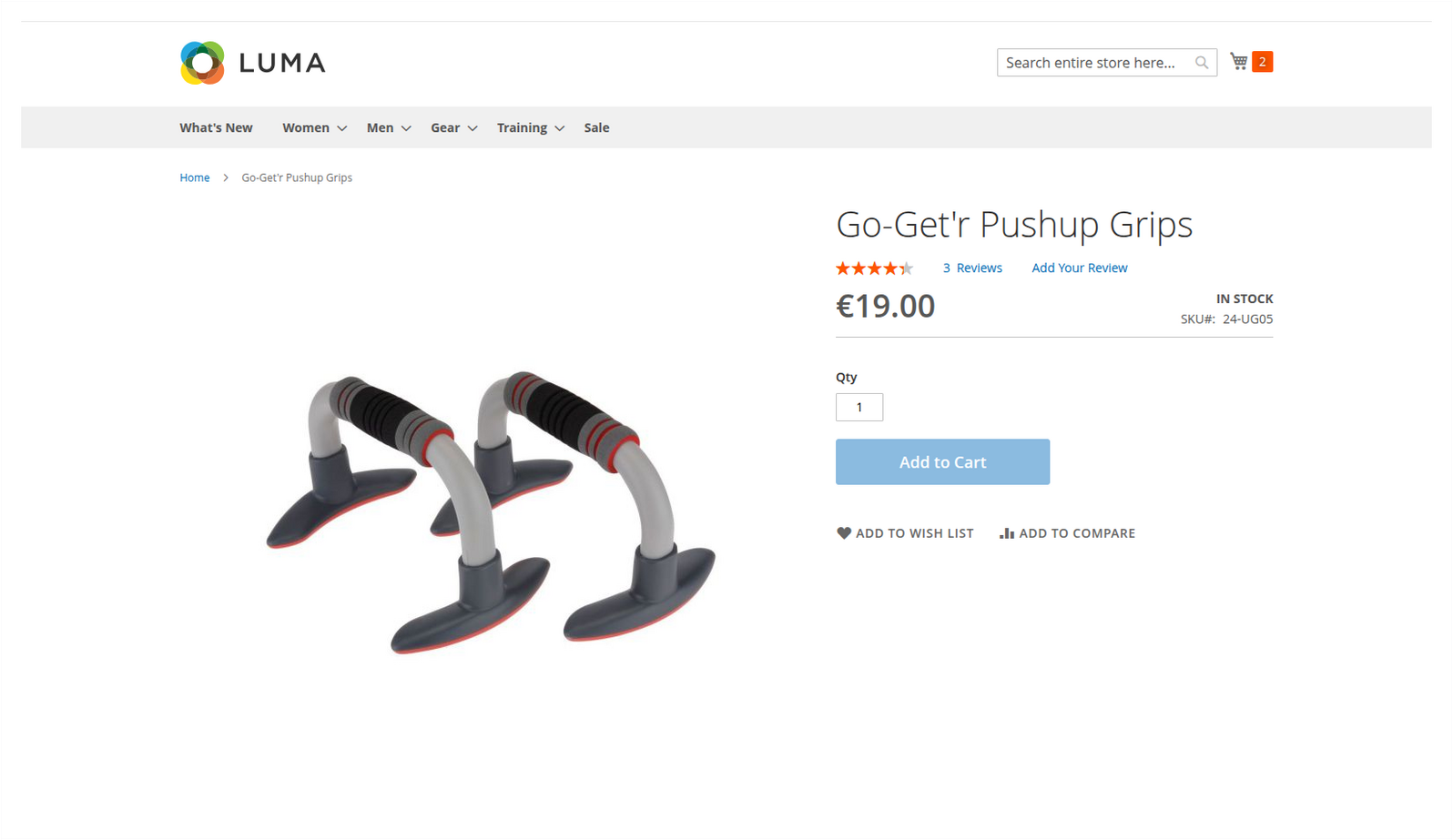
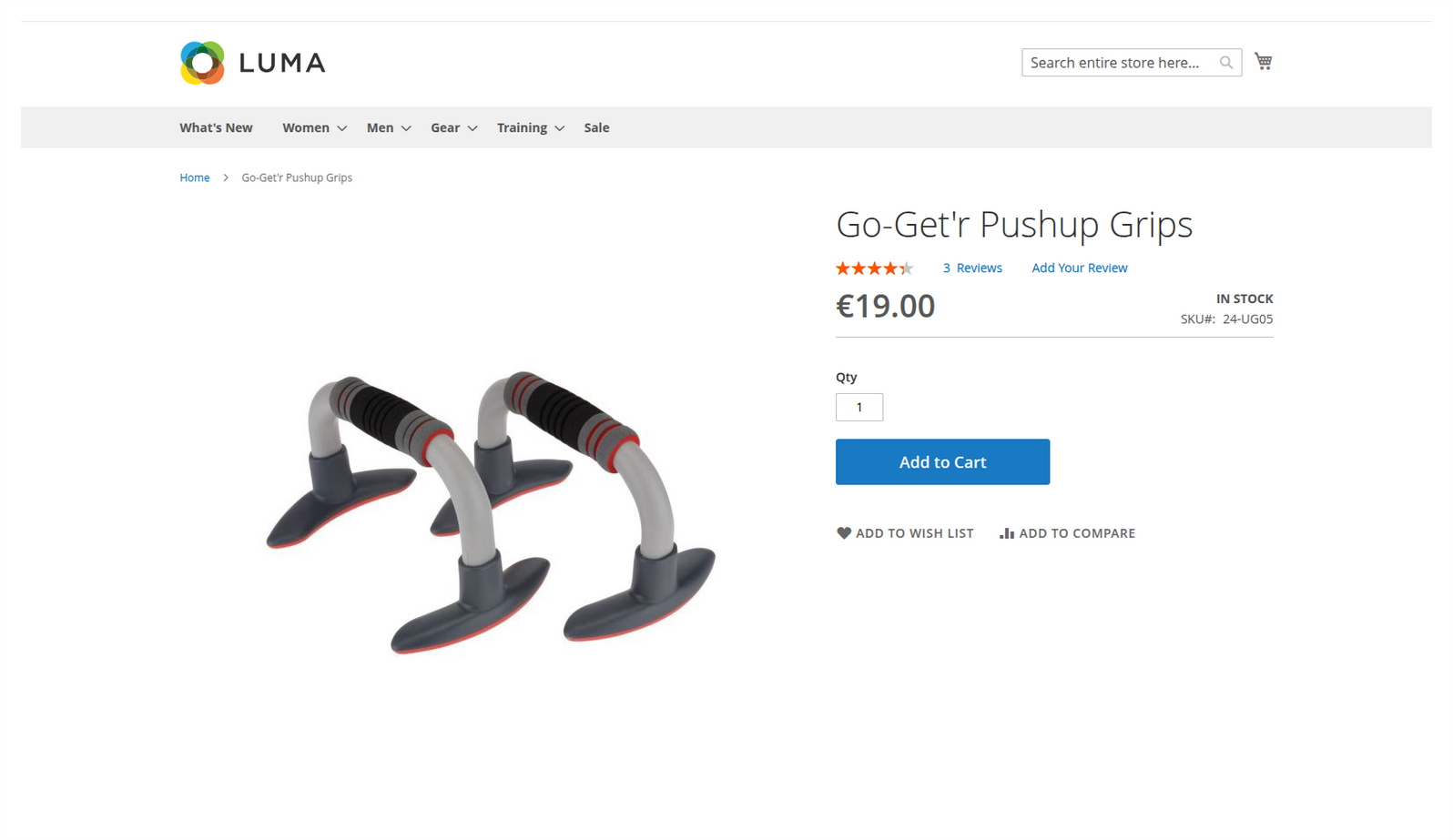
DETAILADD uses a separate OCI 5.0 session. The resolved product exposes one enabled Add to Cart action. After that single add, Magento prepares the one-line OCI return and navigates the browser to the validated receiver.
4. Build the cart
The buyer shops in Magento or uses the tokenized cart endpoints. Prices come from Magento unless inbound cart prices are explicitly enabled. The frontend operation policy applies the selected OCI function:
- a normal request opens the configured shopping flow;
DETAILopens the product resolved fromPRODUCTID;- OCI 5
DETAILADDpermits one successful Add to Cart action and immediately returns that single line to the procurement system.
Unsupported OCI functions and version mismatches are rejected instead of being treated as a normal shopping request.
5. Return the cart
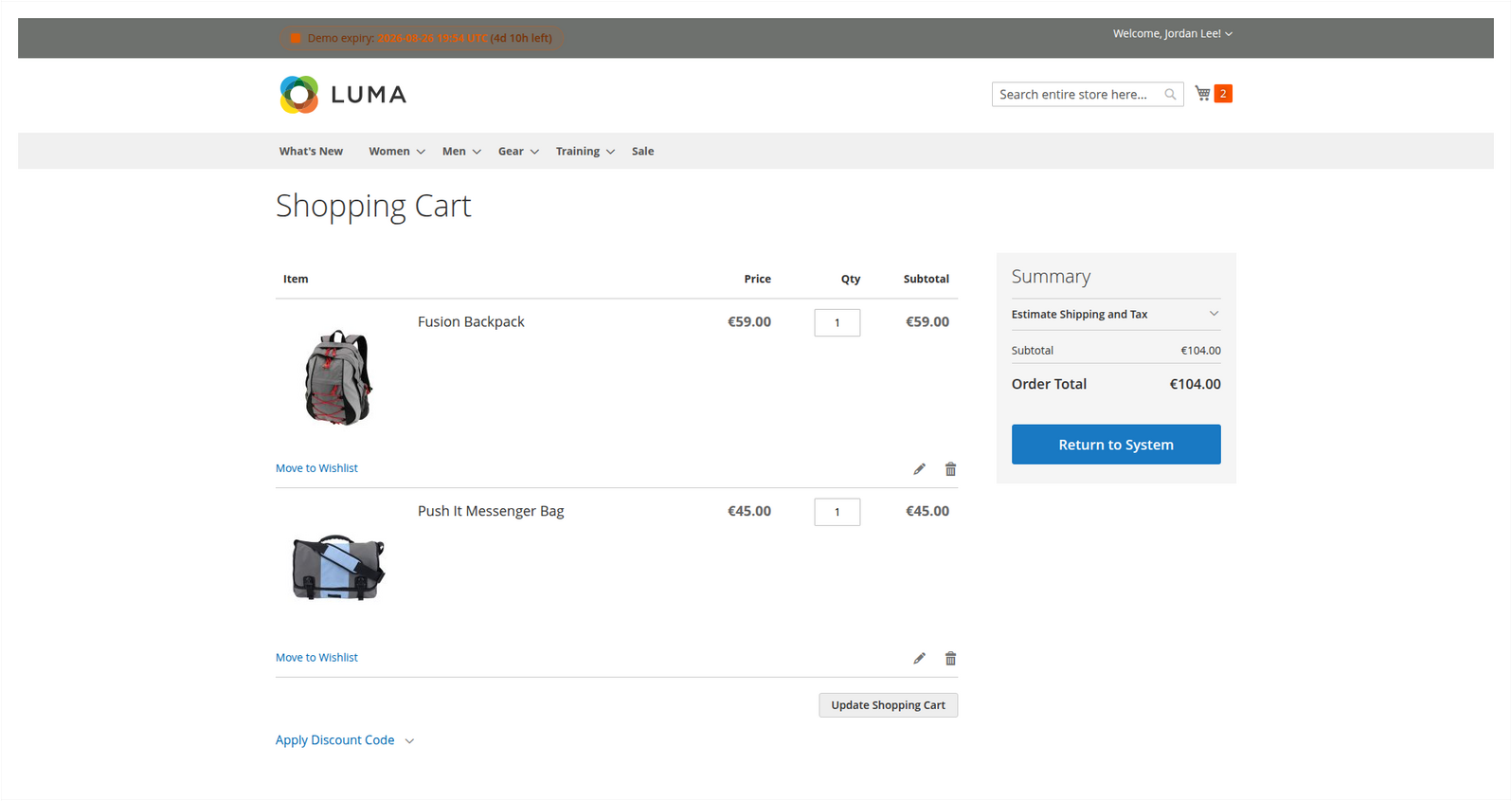
The storefront Return to System action calls /punchout/session/back. Magento attaches the active quote, applies the assigned outbound mapping and renders an auto-submit form to the validated hook URL.
Without a custom mapping, the core OCI payload includes indexed description, quantity, unit, price, currency and material-number fields. With a mapping profile, its target keys and required rules control the output. NEW_ITEM-EXT_PRODUCT_ID is protected system output and always uses the identifier configured on the buyer profile.
Direct API clients can call POST /punchout/oci/transfer; the HTML form is then returned as the payload value of a JSON response and is not posted automatically by that API call.
6. Handle retries
Send X-Punchout-Request-Key on direct transfers. Reuse the key only for the same semantic request. A changed request with the same key returns HTTP 409.
Start with an outbound template from OCI and SAP Templates, then validate the fields with the buyer's OCI specification.