
Document Access Control
Create or edit a document under Customers > Customer Documents > All Documents. The audience is built from customer assignments, customer-group assignments and the public setting.
The document form keeps the file, description, website, category and tags together. Complete those fields before assigning an audience so the customer sees useful context rather than only a filename.
The document grid offers mass actions for selected rows: Send Email queues a notification for the assigned customers without reopening each document, and Delete removes the selected documents.
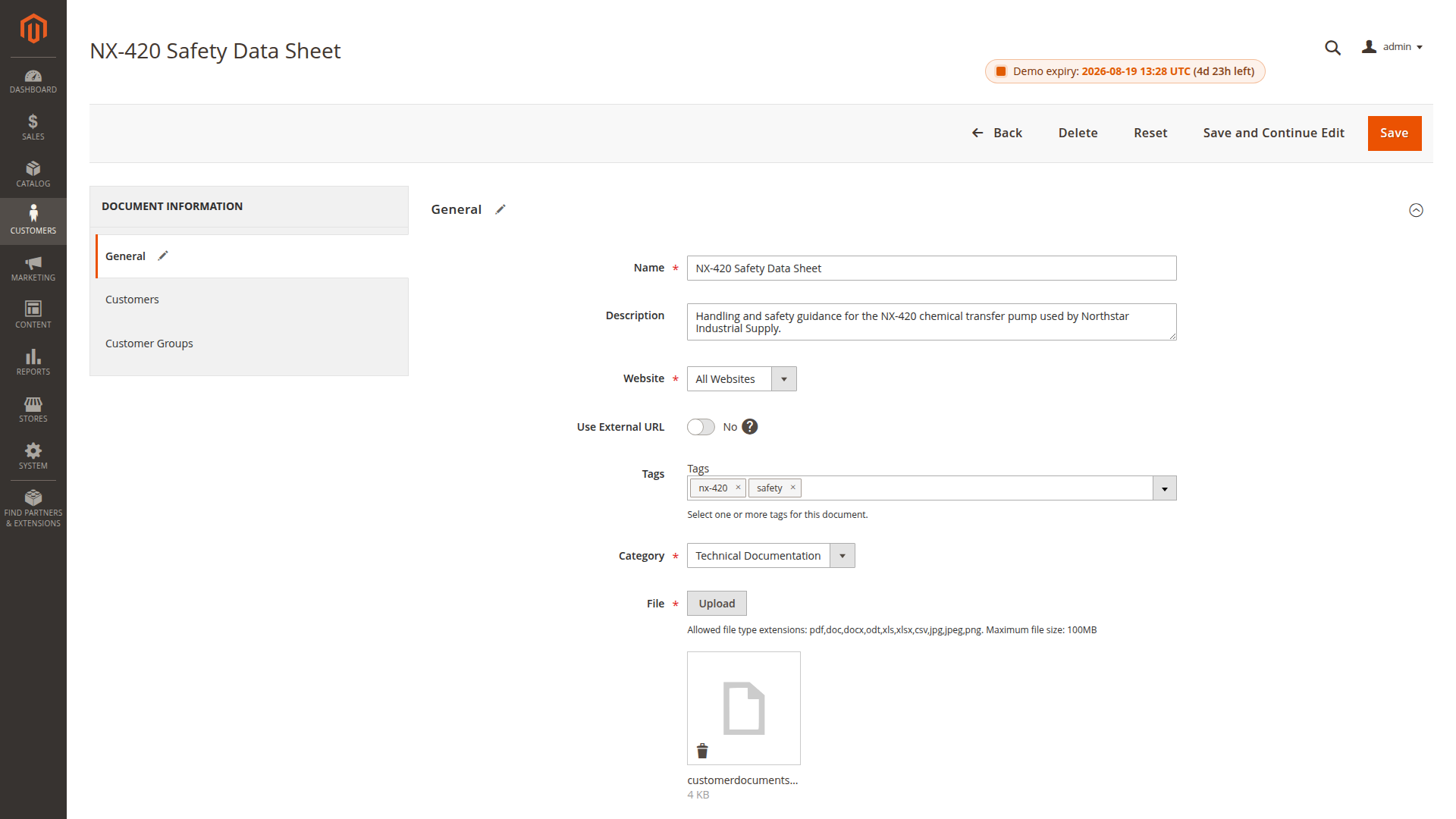
Private documents
For a customer-specific file, leave Public disabled and assign one or more customers. Use customer groups when everyone in a group should receive the same document. A document can have both direct and group assignments.
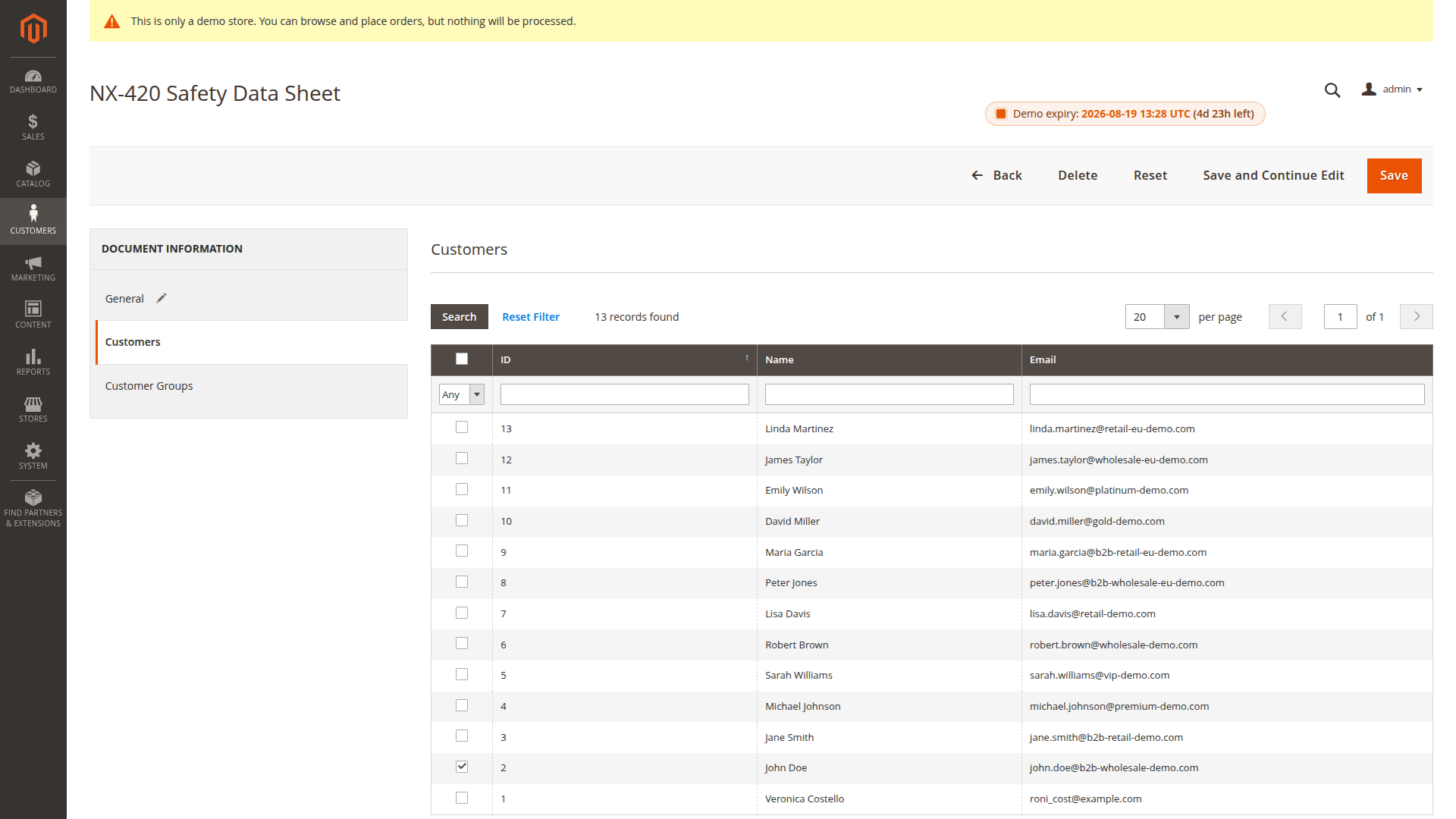
Public documents
A public document can be reached without a customer login. Public status does not override the document's website, validity, password or download-limit rules.
Use public access only for material that is genuinely safe to share. Product manuals are a common example; contracts and customer-specific price files normally are not.
Additional checks
Every download can also depend on:
- website scope
- Valid From and Valid To dates
- password protection
- the maximum number of downloads
- a valid local file or approved external URL
These controls complement the audience assignment. They do not replace it.
A reliable setup sequence
- Choose the website scope.
- Upload a local file or enter an approved external URL.
- Decide whether the document is private or public.
- Assign customers or customer groups for private access.
- Add validity, password and download limits where required.
- Save the document and test it as an intended customer.
- Test a second, unassigned customer to confirm that access is denied.
For product-specific presentation, continue with Product Assignments.