
Product Page Documents
Documents assigned to a product can appear on its storefront page. Use this for files buyers need before or after purchase, such as technical specifications, certificates and operating instructions.
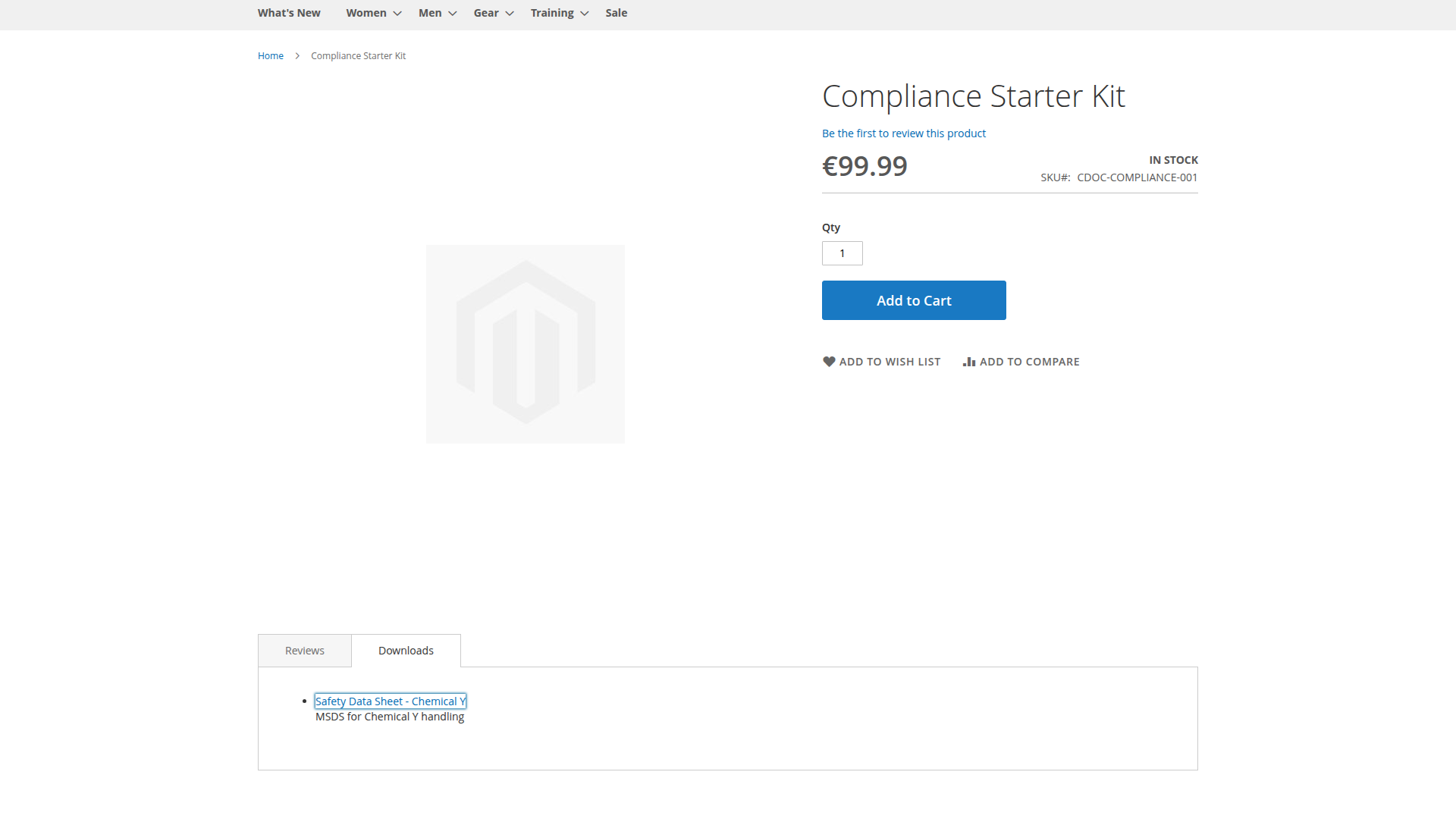
Choose the presentation under Product Documents View Mode:
- Flat shows one document list.
- Category-based groups the available documents by category.
The active store view and customer context determine the final list. A product assignment alone does not bypass document audience, website, validity, password or download-limit rules.
When testing, open the product as an assigned customer and as an unassigned customer. Also check each store view that has a separate product-document assignment.