
CSV Import and Export
Buyers can upload a .csv or .txt file, paste delimited rows, preview the result and then apply valid rows to the Quick Order list. The current list can also be exported to CSV for reuse.
Columns
The supported header names are:
| Column | Required | Purpose |
|---|---|---|
sku |
Yes | Product SKU |
qty |
Yes | Requested quantity |
options |
No | Configurable-product selections |
bundle_options |
No | Bundle selections and quantities |
A simple file can look like this:
sku,qty
24-MB01,4
24-MB05,12
Headerless input is accepted in the same positional order: SKU, quantity, configurable options, bundle options. Headers are safer because they make purchasing files easier to review.
Configurable products
Use an attribute code and value joined by =. Separate multiple choices with |:
sku,qty,options
WSH12,3,color=Black|size=M
The attribute code must belong to the configurable product, and the value must identify one of its available options.
Bundle products
Each selection uses option_id:selection_sku:qty. Separate multiple bundle options with |:
sku,qty,options,bundle_options
24-WG080,2,,1:24-WG081-gray:1|2:24-WG082:2
Option IDs come from the bundle configuration. The selection SKU must belong to that option. When the segment does not provide a positive selection quantity, the product's default selection quantity is used.
Add and Overwrite
- Add keeps existing rows. When the product and chosen options match, the imported quantity is added to that row.
- Overwrite updates the matching row with the imported quantity and options.
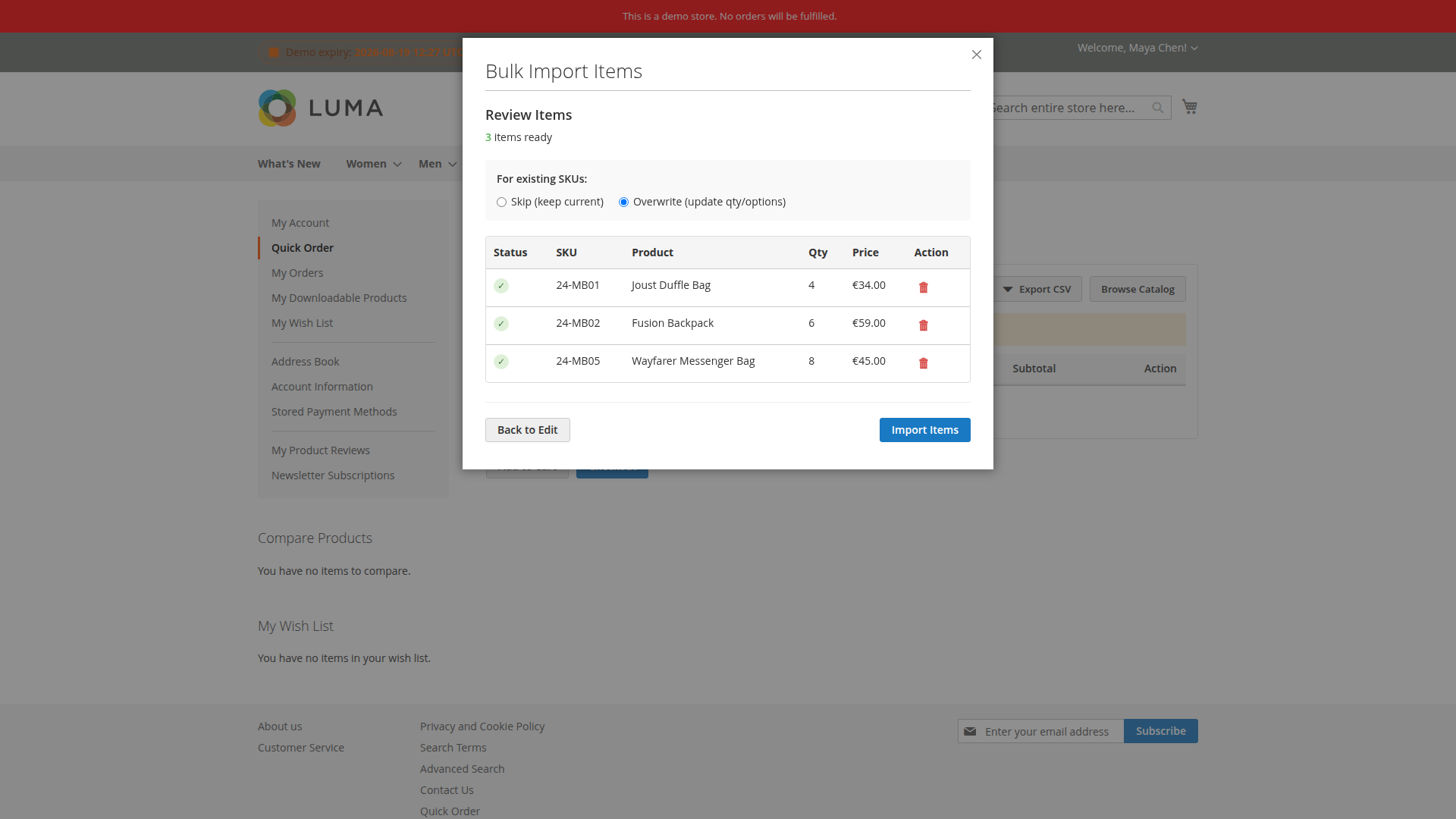
The preview separates valid and invalid rows. Correct invalid SKUs or option values before applying the import. The configured delimiter must be exactly one character and must match the file.
Export
The export includes sku, qty, options and bundle_options. This makes an approved list useful as a starting point for a later order, including configurable and bundle selections.