
Pricing Rules
Pricing rules turn a repeatable sales policy into automatic quote pricing. They work well for policies such as “give wholesale customers 8% off once the quote subtotal reaches 2,500.” They are less suitable for one-off commercial decisions, which an administrator can price directly on the quote.
What a rule can evaluate
The condition builder can use:
- quote totals, total quantity, and item count;
- customer and customer group;
- product attributes and product combinations.
Conditions can be grouped with all or any logic. Keep them narrow enough that a rule cannot accidentally affect every submitted quote.
Pricing actions
A matching rule can:
| Action | Result |
|---|---|
| Percentage discount | Subtracts a percentage from the original item price. |
| Fixed discount | Subtracts a fixed amount. |
| Adjust to percentage | Sets the result to a percentage of the original price. |
| Adjust to fixed price | Sets the resulting item price to a fixed value. |
| Free shipping | Removes the quote shipping charge. |
“Fixed discount” and “fixed price” are not the same. For a product priced at 100, a fixed discount of 10 results in 90; a fixed price of 10 results in 10.
Rule order and stacking
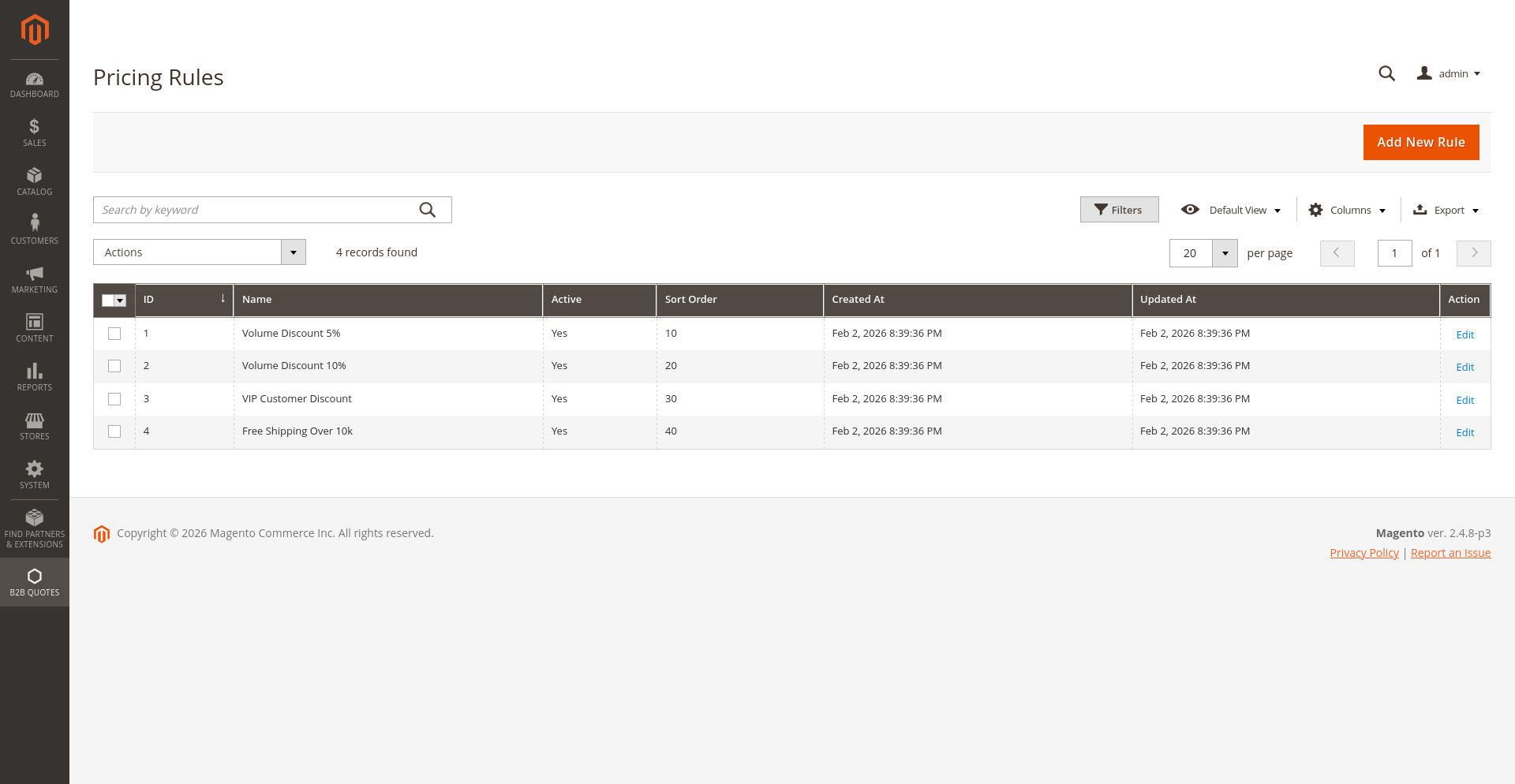
Lower sort-order values are evaluated first. The Can Stack Rules configuration decides whether several matching rules can contribute to the same quote.
- With stacking disabled, the first applicable rule wins.
- With stacking enabled, every intended combination needs testing; two sensible discounts can produce an unintended result when combined.
Set up a rule safely
- Open B2B Quotes > Pricing Rules.
- Create the rule but leave it inactive.
- Give it a name that describes both the audience and the outcome.
- Build the condition tree and select one pricing action.
- Set the sort order with existing rules in mind.
- Test a quote just below, exactly at, and just above each threshold.
- Check item prices, discount, tax, shipping, and grand total.
- Activate the rule only after the complete result is correct.
For field-by-field administration instructions, see Manage Pricing Rules.
If a rule does not apply
Check that the rule is active, every required condition matches the quote, the customer is in the expected group, and the targeted product attributes have values. When stacking is disabled, also check whether a lower sort-order rule matched first. Recalculate the quote after changing relevant data.