
Workflow Rules
Workflow rules automate a defined response to something that happens during a quote. They can route a large request for review, notify the right people, add an audit note, or update a quote without relying on someone to remember every step.
Available events
A rule can start when a quote is:
- created, submitted, approved, rejected, expiring soon, expired, or converted to an order;
- involved in price negotiation or a counter offer;
- moved to another status;
- given a new message.
The event only starts evaluation. The rule still runs its actions only when all configured conditions are satisfied.
What conditions can inspect
Conditions can use quote amounts, item count, quantities, dates, customer, project, current state or status, days until expiry, address details, and item or product data. Combine them with all or any logic.
Prefer several clearly named rules over one large condition tree that mixes unrelated business processes. A sales administrator should be able to understand why a rule ran by reading its name and conditions.
Available actions
A matching rule can:
- change the quote status;
- send a selected Magento email template;
- apply a discount amount;
- set or clear a configured quote fee;
- set, extend, or clear the expiration date;
- add or remove a tag;
- add an administrator or customer note.
Actions run in their configured order. Test the full sequence when one action changes data used by another.
Example: commercial review for large quotes
A rule could use:
- event: Quote Submitted;
- condition: quote subtotal is at least 10,000;
- actions: move the quote to Commercial Review, add an administrator note, and send an internal notification template.
Ordinary submissions keep their normal route, while the high-value quote carries a visible status and audit note.
Build and test a rule
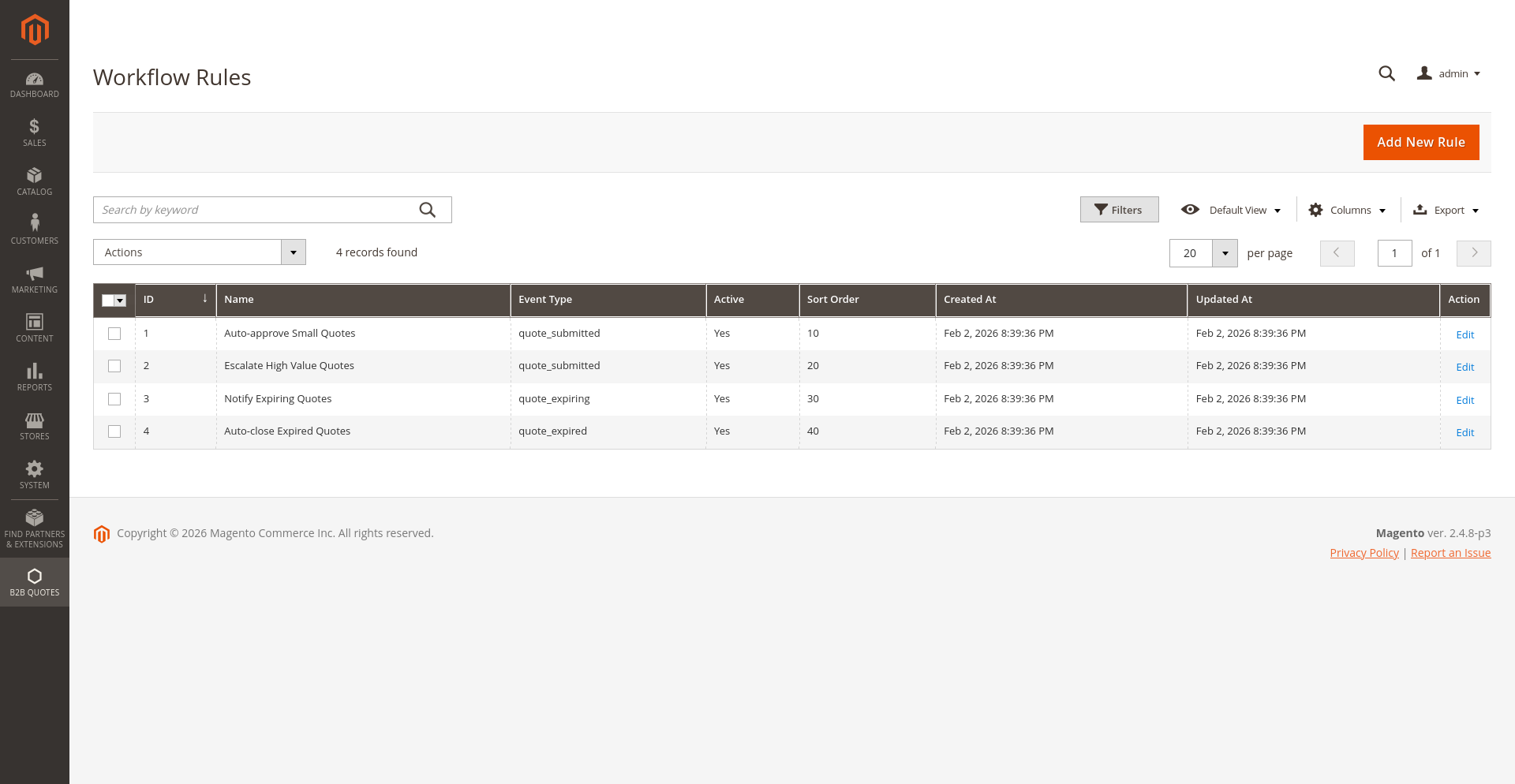
- Open B2B Quotes > Workflow Rules.
- Create the rule and leave it inactive.
- Choose the exact event and set a clear sort order.
- Add the narrowest conditions that describe the case.
- Add actions in their intended execution order.
- Exercise the event with a realistic quote.
- Verify status, totals, fees, tags, notes, history, and email delivery.
- Activate the rule after the observed result matches the business process.
Status validation and loops
The Transition Validation setting can require workflow status changes to follow the same transition map as customer and administrator actions. Enable it when automation must obey the normal process.
Be especially careful with Status Changed and Message Added rules. A status action or note can cause more processing. Use exact source-state conditions, choose a target that cannot immediately match the same rule again, and inspect quote history after every test.
For field-by-field administration instructions, see Manage Workflow Rules.