
Configuration
Configure the B2B Quote extension for your business requirements.
Where Settings Live
All settings are under:
- Stores > Configuration > MageB2B > B2B Quote
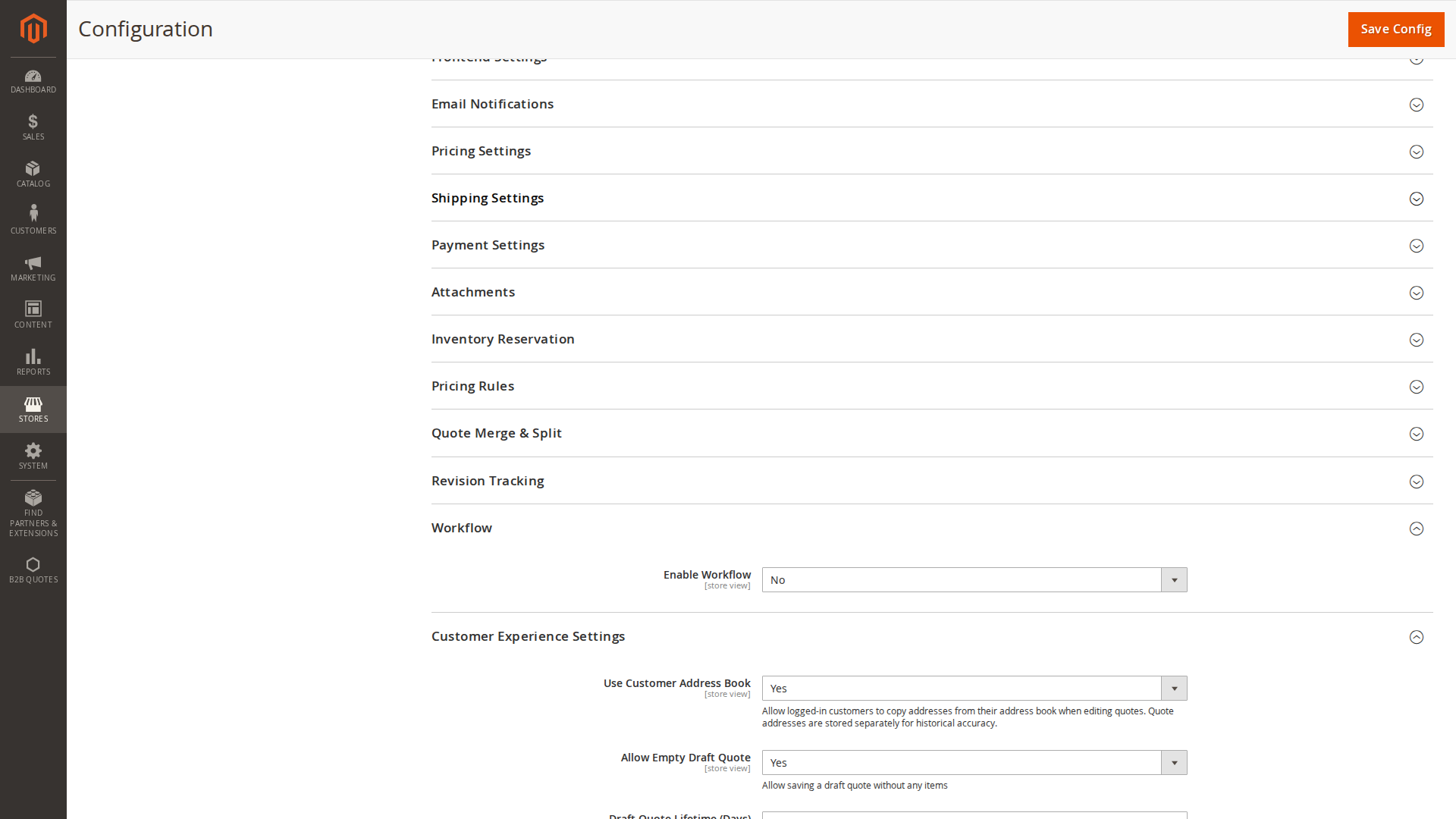
The underlying config paths are grouped like:
b2bquote/general/*(core settings)b2bquote/frontend_settings/*(customer-facing behavior)b2bquote/email_notifications/*(templates and recipients)b2bquote/attachments/*(uploads)b2bquote/pdf/*(PDF layout and company data)b2bquote/guest_quote/*(guest quotes)b2bquote/pricing/*(negotiation)b2bquote/pricing_rules/*(auto pricing)b2bquote/workflow/*(automation)b2bquote/quote_merge_split/*(merge/split)b2bquote/revision/*(revision tracking)b2bquote/shipping/*(shipping)b2bquote/inventory/*(inventory reservation)b2bquote/quote_fee/*(fees)b2bquote/payment/*(payment restrictions for quote checkout)b2bquote/customer_experience/*(UX defaults)b2bquote/order_creation/*(order creation safeguards)b2bquote/messaging/*(quote message limits and per-status disabling)b2bquote/admin_assignment/*(responsible admin and Admin Inbox notices)
For a detailed list of settings and what they do, see:
Recommended First Setup
- Enable the module:
b2bquote/general/enable - Set quote number format:
b2bquote/general/quote_number_format - Configure statuses and transitions:
- Configure frontend:
b2bquote/frontend_settings/display_on_productb2bquote/frontend_settings/enable_cart_conversion
- Configure email notifications:
- Configure PDF layout/branding (optional):
- Enable guest quotes (optional):